Gaming Chair Cover Set: Stretch & Protect Your Setup

Revamp your gaming chair and protect your battlestation from peeling leather, pets, and spills with durable stretch covers and smart setup accessories.
Gaming Chair Cover Set: Stretch & Protect Your Setup
Every dedicated gamer and home office professional knows the feeling of sinking into a favorite desk chair. Over months and years of intense matches and late-night spreadsheets, even the sturdiest ergonomic seats begin to show wear. Peeling faux leather, scuffs from curious pets, and beverage mishaps can make an otherwise clean workspace look neglected.
Replacing a solid, functional desk chair simply because the surface is flaking is both costly and unnecessary. Investing in a stretchy, resilient seat protector along with coordinating workstation upgrades—such as a durable waterproof backlit keyboard—offers a smart, budget-conscious way to revamp your battle station while extending the lifespan of your gear.
The Hidden Culprits Behind Worn Desk Chairs
Standard PU leather looks sleek on day one, but routine friction, body heat, and humidity take a gradual toll. Over time, the outer synthetic layer weakens, cracks, and drops tiny specks of faux leather across your floor and clothes.
Beyond natural wear, everyday accidents happen quickly. Pets love claiming desk chairs for naps, leaving behind claw marks and shedding fur that embeds itself into crevices. Spilled coffee or energy drinks during tense sessions can seep into seams, causing lingering odors and stubborn stains.
A high-stretch slipcover acts as an immediate barrier against scratches, dirt, and peeling material, turning a worn chair into an aesthetically cohesive centerpiece without breaking the bank.
Key Features to Look For in a High-Performance Cover
When searching for the right cover set for an ergonomic chair, not all fabrics perform the same under heavy daily use. Keeping a few functional elements in mind ensures a snug fit and long-term durability:
- High Spandex Content: Look for polyester-spandex blends that deliver multi-directional stretch, contouring around curved headrests, wings, and deep lumbar sections.
- Separated Seat and Back Pieces: Two-piece designs adapt far better to reclining mechanisms and adjustable backrests than one-piece alternatives.
- Breathable Knitted Texture: A textured jacquard or breathable weave increases airflow, keeping you cooler during long summer work shifts or marathon raids.
- Reinforced Elastic Edges & Zippers: Integrated side zippers ensure the fabric stays firmly anchored when adjusting armrests or rocking back.
Complete the Refresh: Protecting the Rest of Your Desk
Refreshing your seating makes a massive visual difference, but true workspace longevity comes from shielding all your daily touchpoints. Much like your chair cushions, keyboards face constant exposure to dust, crumbs, sweat, and beverage spills.
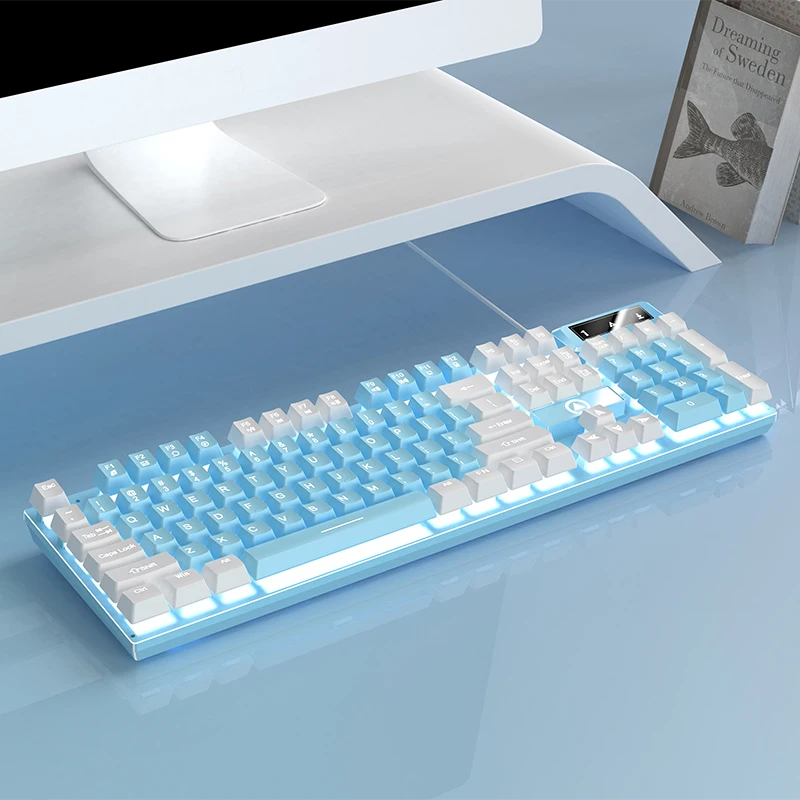
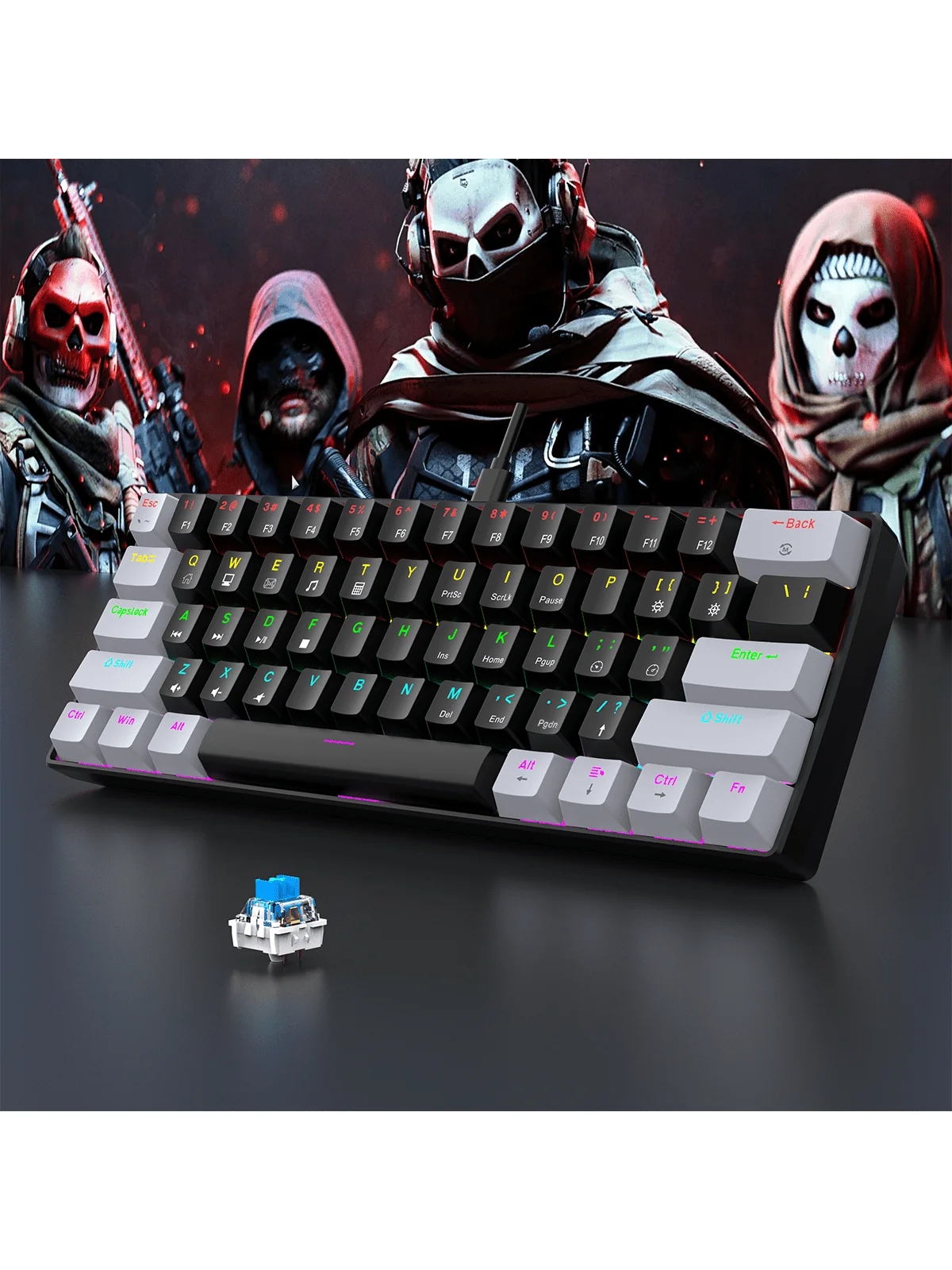
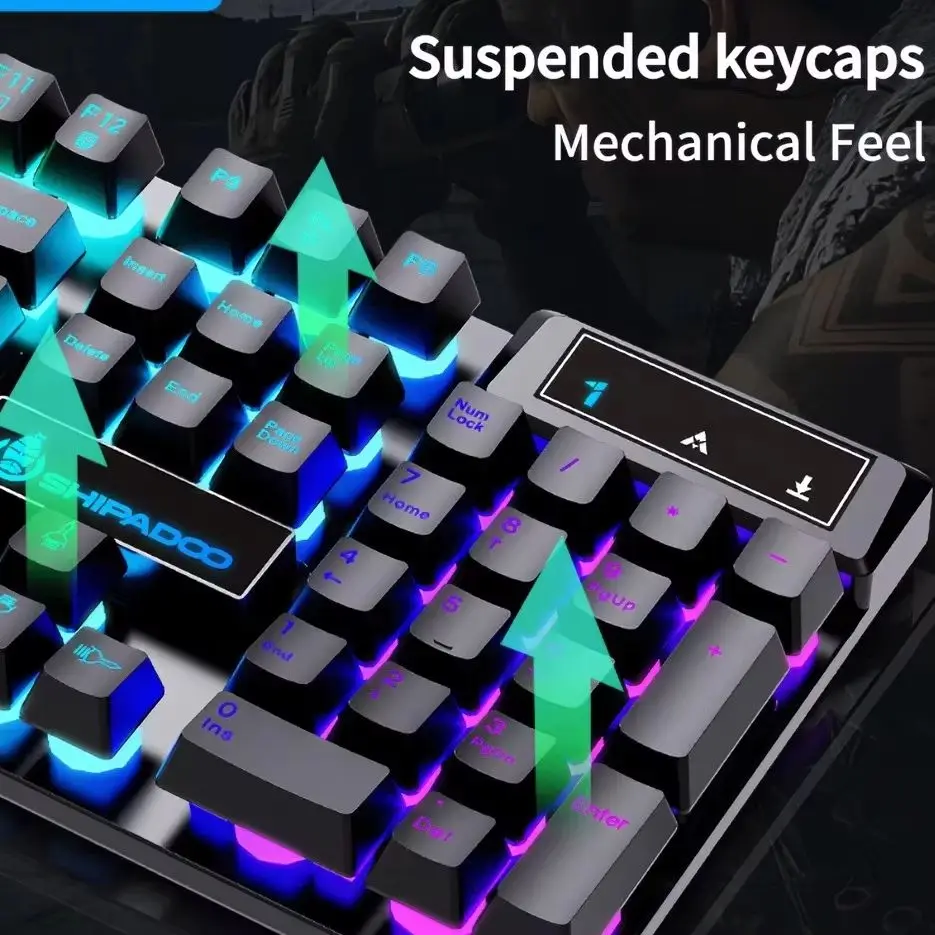
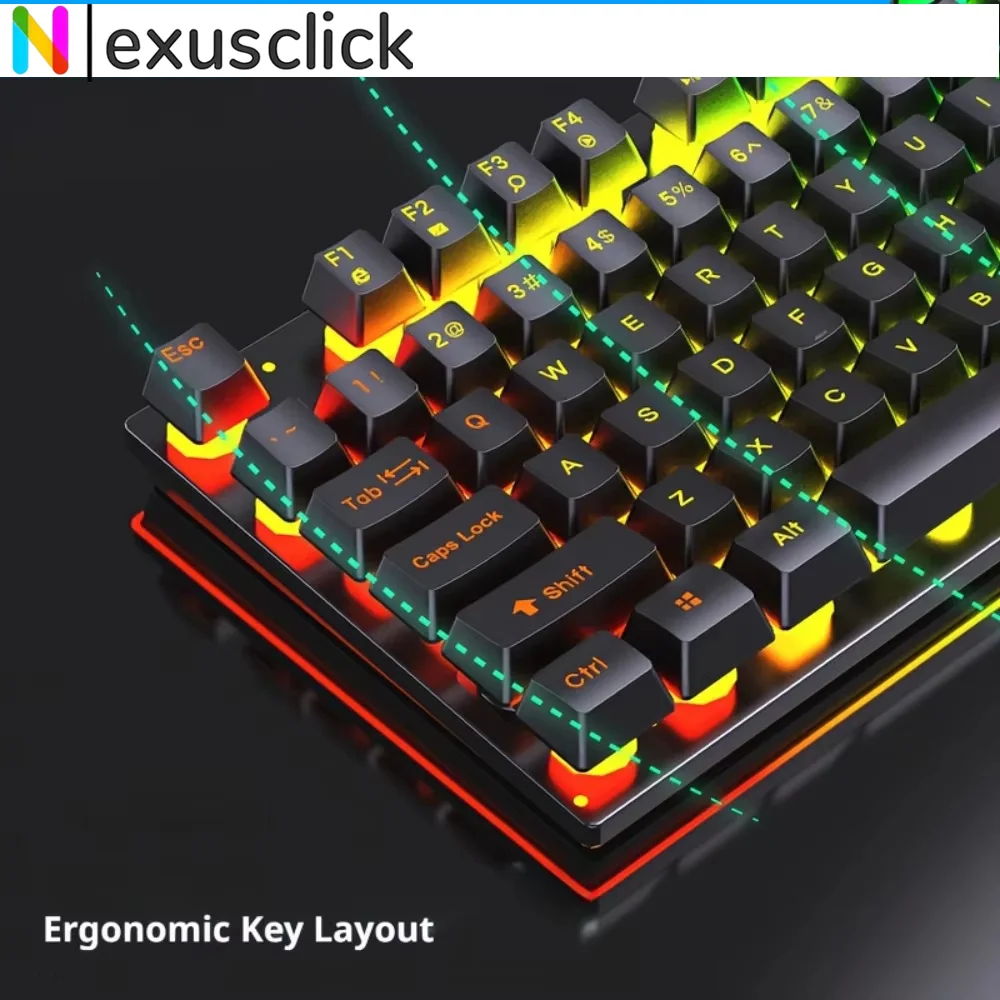
Pairing your restored chair with spill-resistant gear keeps your entire battlestation safeguarded. A reliable wired mechanical feel keyboard built with integrated drainage channels and splash resistance guarantees that an accidental tip of a mug won't bring your gaming night or workday to an abrupt halt.
Tactile key feedback and vibrant illumination also tie your battlestation's visual theme together, matching the fresh new look of your covered chair while delivering responsive typing performance.
How to Install and Maintain Your Slipcover in Minutes
Installing a stretch slipcover requires minimal effort and takes only a few minutes. Follow these practical steps to achieve a tailored, wrinkle-free look:
Step 1: Prep the Surface
Thoroughly vacuum the seat and use a lint roller to pick up stray pet hair and loose faux leather fragments. Cleaning the original upholstery prevents debris from shifting underneath the new fabric.
Step 2: Slide Over the Backrest
Begin by pulling the backrest slipcover from the headrest downward toward the seat pivot. Carefully zip up the side closures and tuck excess fabric tightly into the crease between the backrest and the seat cushion.
Step 3: Secure the Seat Base
Drape the lower piece over the seat cushion, stretching the elastic borders beneath the base plate and around the gas-lift cylinder. Fasten any buckle straps or ties underneath to lock it firmly in place.
Step 4: Routine Maintenance
Wash your slipcovers in cold water on a gentle cycle every 3 to 4 weeks. Air drying helps maintain elasticity and prevents fabric shrinkage, keeping your chair looking brand new all year round.
Building a Unified Workspace Aesthetic
Renewing a worn setup is about smart choices, comfort, and cohesive design. By combining durable slipcovers with accessible, high-utility peripherals like an ergonomic backlit gaming keyboard, you eliminate distracting clutter, protect your valuable equipment, and create an inspiring environment for every work session and gaming victory.