Gaming Chair Cover Set: Stretch & Protect Your Setup

Revamp your peeling gaming chair and protect your setup on a budget with a stretch slipcover set. Learn how to restore comfort, style, and desk ergonomics easily.
Gaming Chair Cover Set: Stretch & Protect Your Setup
Every gamer and home office worker knows the struggle. You invest in a bucket-style gaming seat, and for the first year, it feels like command central. Then, wear and tear happens. The synthetic leather starts flaking around the headrest, pets leave scratch marks along the side wings, and food crumbs find their way into every crevice.
Replacing a solid ergonomic chair simply because the surface looks worn out feels like a massive waste of money. That is why adding a stretch gaming chair cover set has become one of the smartest, most budget-friendly desk upgrades. With an easy slipcover and accompanying accessories to refine your battlestation, you can protect your investment while creating a cohesive, clean workspace.
Why Gaming Chairs Peel and How Covers Stop the Damage
Most mainstream gaming chairs are upholstered in polyurethane (PU) or bonded leather. While soft and easy to clean out of the box, bonded materials are vulnerable to body heat, natural skin oils, and friction. Over time, moisture breaks down the thin protective laminate, resulting in embarrassing cracks and peeling black flakes all over your floor.
A dedicated stretch cover acts as an immediate barrier against everyday friction. Made from flexible polyester and elastane blends, quality slipcovers stretch securely across both the backrest and the seat cushion. They absorb sweat, block cat claws from puncturing the foam, and prevent direct friction against fragile faux leather.
Best of all, when food spills or dust accumulates, you do not need special upholstery conditioners. You simply unhook the elastic straps, toss the cover into the washing machine on a gentle cycle, and slide it back on good as new.
Refreshing Your Entire Battlestation on a Budget
Rebuilding your setup aesthetic does not require dropping hundreds of dollars on brand-new furniture. Upgrading is all about balance, color coordination, and decluttering your desk real estate.
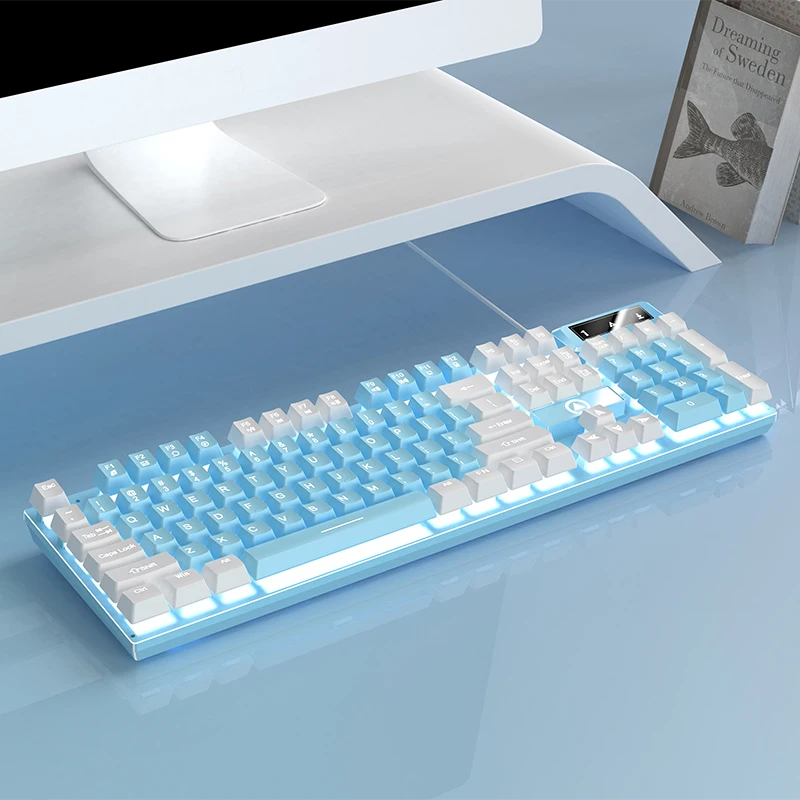
Once your chair looks sleek in a fitted cover, the rest of your desk suddenly stands out. Bulky, outdated peripherals can make a neat space feel cramped. Pair your refreshed seating with streamlined gear, such as an ultra-compact peripheral, to free up valuable mouse space and create a modern, minimalist vibe.
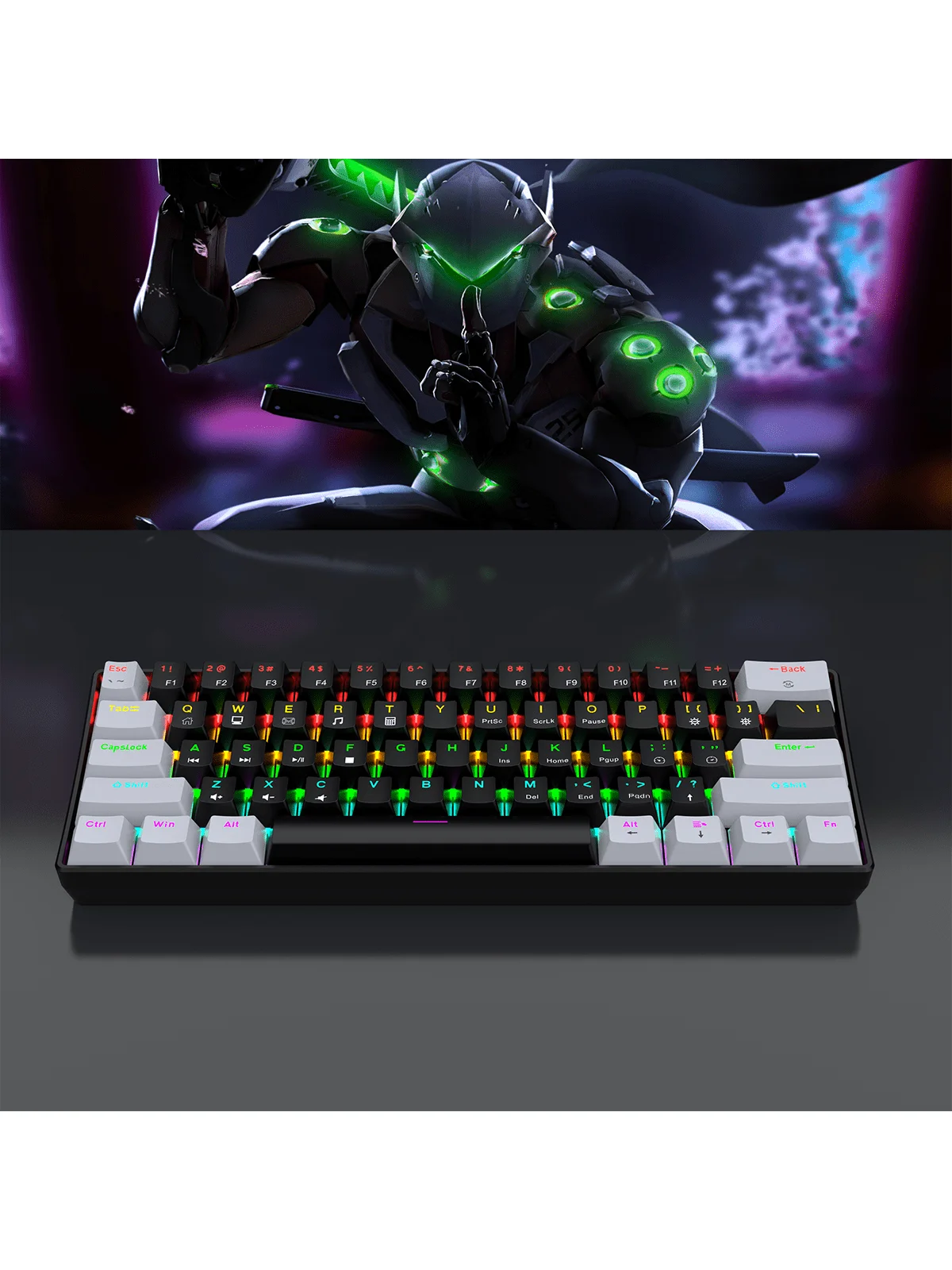
When you eliminate visual clutter—swapping torn leather for smooth stretch fabric and replacing full-sized clunky hardware with a space-saving layout—your entire room transforms into an intentional, high-performance environment.
Key Features to Look for in a Chair Cover Set
Not all chair covers fit every racing-style frame. Gaming seats feature distinct high backs, contoured lumbar supports, and flared shoulder wings. Here is what to look for when choosing your slipcover set:
- Split-Piece vs. One-Piece Design: A two-piece set (separate backrest and seat base) generally provides a much tighter, tailored fit than a single slipcover, preventing bunching near the recline mechanism.
- Armrest Sleeves: Look for sets that include zippered or elastic armrest pads to cover cracked arm foam and protect elbows during long typing sessions.
- Elastic Hemming and Under-Seat Straps: Buckles or heavy-duty elastic underneath keep the fabric tight even when you swivel, shift posture, or recline.
- Breathable Stretch Jacquard: Textured knit fabrics offer better airflow than flat polyester, keeping you cool during heated competitive matches or grueling work deadlines.
Quick Sizing and Fitment Tips
Before purchasing, take two minutes to measure your seat. Check the backrest height (typically 31 to 35 inches on standard adult gaming chairs), backrest width at the shoulder wings, and seat depth. Stretchy spandex blends provide several inches of leeway, but knowing your frame size prevents loose fabric or over-strained seams.
Complementing Comfort with Peak Desk Ergonomics
Covering your chair restores physical comfort, but total ergonomics involves your posture, arm angle, and reach. If your desk is crowded, you end up twisting your wrists or hunching your shoulders forward, defeating the purpose of an ergonomic chair.
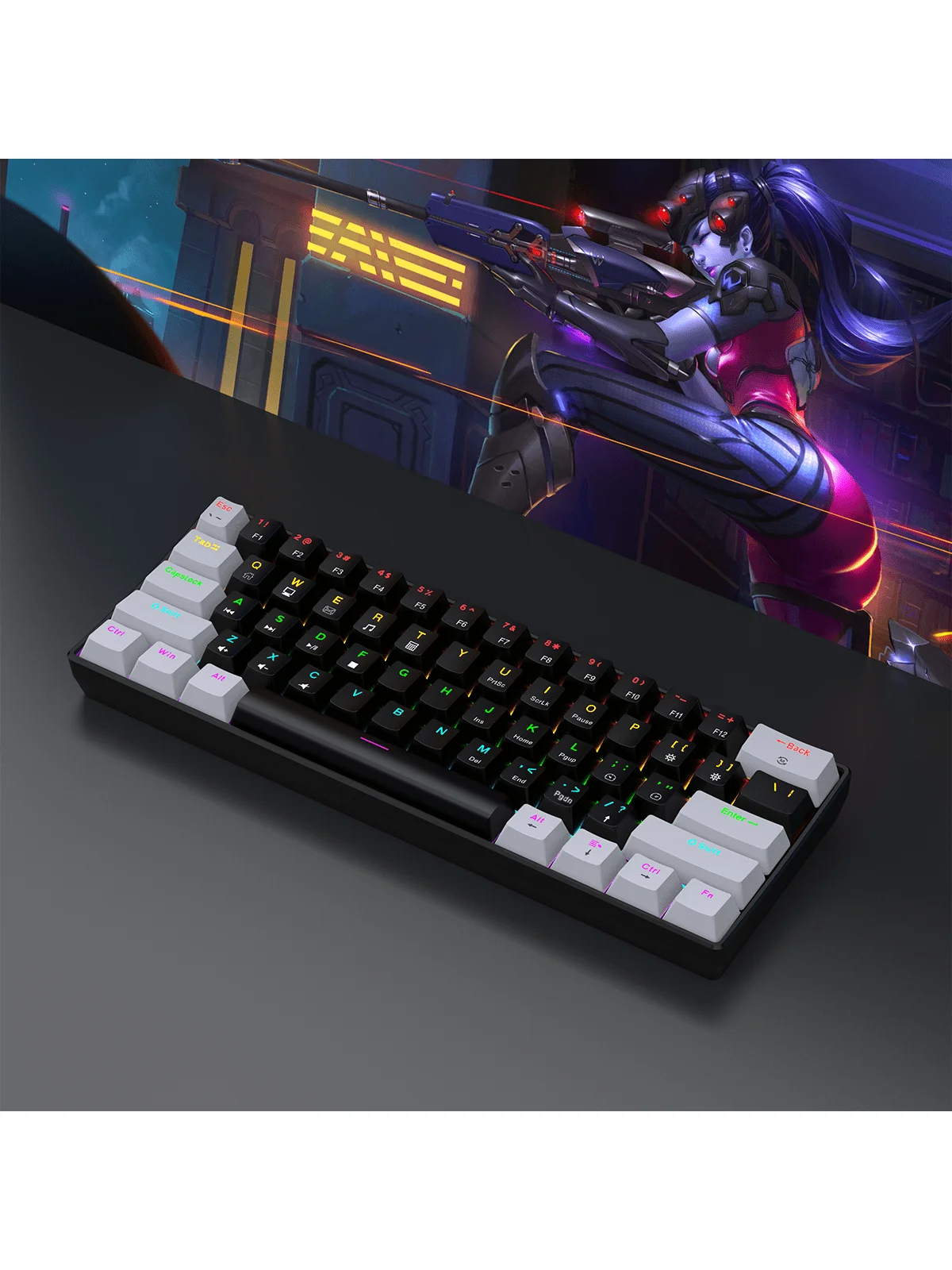
Complementing your renewed seat with a responsive wired gaming setup allows you to bring your arms inward to natural shoulder width. This posture opens up the chest, reduces strain across the upper trapezoids, and keeps fatigue at bay during marathons of gaming or remote project sprints.
Matching Lighting and Aesthetics
A plain black or dark gray slipcover creates the perfect neutral canvas. From there, you can let your RGB lighting shine. Synchronize your ambient backlights, mousepad glows, and keyboard patterns to build a dynamic gaming atmosphere that matches your personal style without looking messy.
Simple Installation and Maintenance Steps
Installing a gaming chair cover takes less than five minutes when done in the right order:
- Clean the Base Chair: Wipe down existing faux leather and vacuum debris from the seams before covering.
- Slide the Backrest Cover Down: Start from the top headrest, gently pulling the fabric down past the shoulder flares.
- Stretch Over the Seat Cushion: Hook the front edge of the seat cover first, pull it toward the backrest, and snap any under-seat buckles together.
- Attach Armrest Pads: Zip or slip matching sleeves over each armrest to complete the transformation.
When it comes to washing, stick to cold water and air-drying. High dryer heat can degrade the spandex elastic fibers over time, shortening the lifespan of the snug fit.
Elevate Your Space Without Breaking the Bank
Your battlestation is where you spend hours studying, competing, and creating. You don't need to replace an expensive chair just because the original material shows its age. Combining a stretch gaming chair cover set with smart, compact gear is the fastest route to a clean, comfortable, and personalized setup. Explore practical desk enhancements and complete your workstation transformation today.