Gaming Chair Cover Set: Stretch & Protect Your Setup
Give your battle station a fresh look and long-lasting protection with a stretch gaming chair cover set. Learn how to conceal wear, protect against pets, and optimize your setup.
Gaming Chair Cover Set: Stretch & Protect Your Setup on a Budget
Few things disrupt a clean workspace faster than a worn-out, flaking gaming chair. Over time, bonded leather cracks, pets leave scratch marks, and daily friction turns a once-pristine battle station into an eyesore. Replacing a high-end ergonomic seat costs hundreds of dollars, but renewing your comfort doesn't have to drain your wallet.
A stretchable gaming chair cover set offers a fast, washable, and cost-effective method to overhaul your seating, shield it from wear, and bring cohesive style back to your room. Pair it with balanced desktop gear, and your whole room instantly feels like a brand-new space.
Why Invest in a Stretch Gaming Chair Cover?
Modern racing-style chairs offer solid back support, but their outer faux-leather shells often deteriorate long before their hydraulic frames do. A stretch slipcover acts as an immediate second skin that solves multiple everyday issues:
- Conceal Peeling and Flakes: Say goodbye to tiny black specks sticking to your clothes or scattering across your floor.
- Pet Protection: Elastic fabric shields the foam core from curious cat claws and dog fur.
- Breathable Comfort: Quality spandex-blend covers breathe better than sticky PU leather, keeping you cooler during long summer work shifts.
- Easy Maintenance: When dust or spills happen, simply unzip or slip off the fabric and toss it in the washing machine.
Upgrading your seat visualizes a cleaner environment, creating the perfect foundation to re-evaluate the rest of your tabletop accessories and peripherals.
Complete the Aesthetic: Streamlining Your Desktop Peripherals
Once your chair looks fresh and unified, an outdated or cluttered desk surface can feel out of place. An aesthetic desk setup thrives on balance, combining functional ergonomics with reliable, low-profile gear.
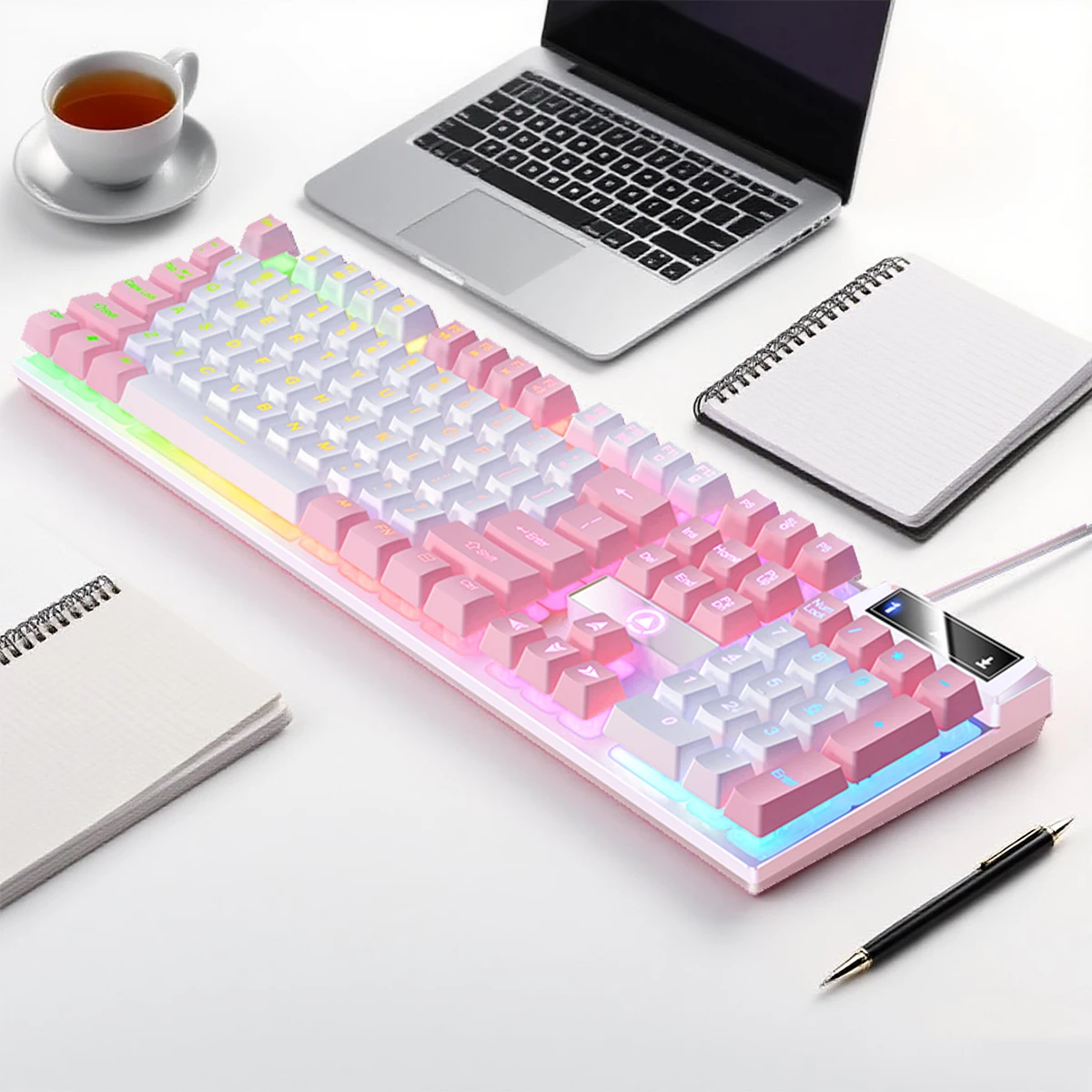
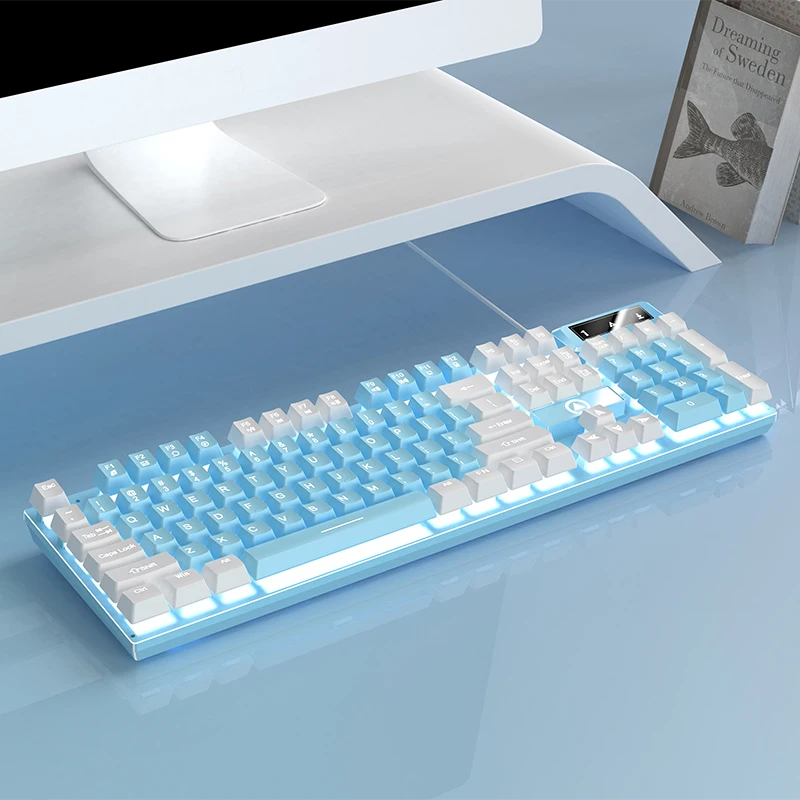
If you spend your days jumping between spreadsheets and competitive evening lobbies, having a versatile, responsive low-profile design makes every keystroke seamless. A streamlined keyboard layout clears physical space for unrestricted mouse movements while maintaining maximum wrist comfort over eight-hour stretches.
Balancing Productivity and Gaming Performance
Many budget setups compromise by choosing either a bulky standard keyboard or a tiny layout lacking essential keys. For remote workers, having an integrated number pad alongside responsive switches keeps workflow fluid without requiring a separate keypad accessory.
Hardware like the YINDIAO K500 wired gaming keyboard strikes an ideal balance, bringing tactile precision to gaming sessions while maintaining dedicated numeric keys for day-to-day data entry and hotkeys.
How to Measure and Install a Gaming Chair Cover
Getting a snug, tailor-made fit depends on matching the cover’s stretch tolerances to your chair's frame. Most two-piece or four-piece cover sets accommodate standard racing and ergonomic executive seats.
Step 1: Measure Your Dimensions
Before ordering, measure your chair's key points:
- Backrest Height: Typically ranges from 31 to 35 inches.
- Backrest Width: Measure at the widest shoulder-wing area (usually 21 to 24 inches).
- Seat Depth and Width: Measure the cushion base where you sit (approx. 16 to 22 inches).
Step 2: Fit the Backrest First
Slip the upper cover over the headrest, pulling downward evenly along both side bolsters. If your chair features side cutouts for lumbar pillows, tuck the excess elastic through the opening for a tight fit.
Step 3: Secure the Base and Armrests
Pull the base cover over the front cushion and stretch it back toward the reclining hinge. Connect the elastic straps or zip the side enclosures beneath the frame. Finish by sliding the matching elastic sleeves over your armrest pads.
Ergonomic Harmony: Combining Comfort with the Right Input Gear
A refreshed chair protects your posture, but your wrists, forearms, and shoulders depend equally on how you position your desktop input devices.
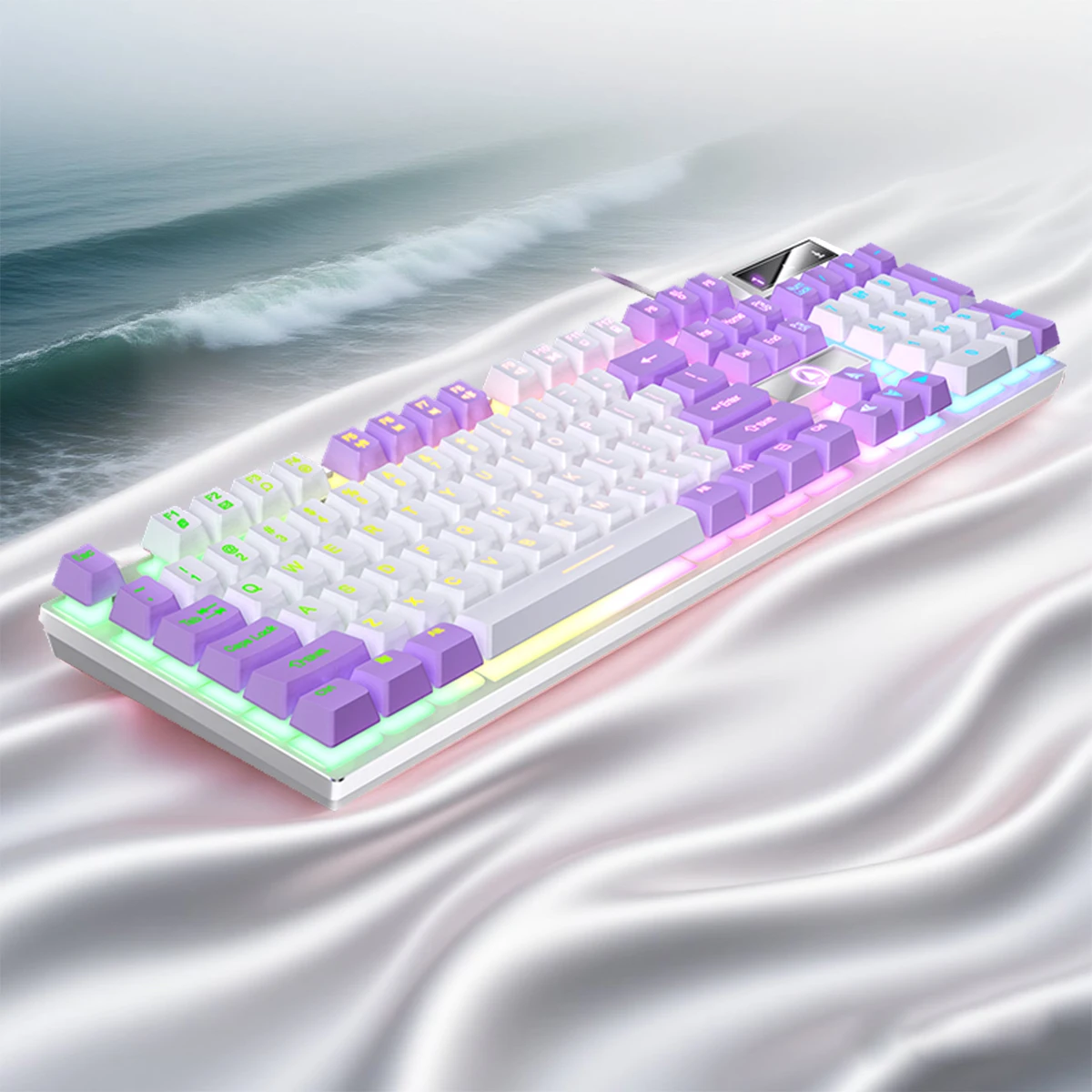
A well-rounded workstation minimizes strain by keeping your arms parallel to your desk surface:
- Match Armrest Height to Desk Level: Ensure your chair armrests sit flush with the desktop to prevent shoulder elevation.
- Opt for Lag-Free Connectivity: Using a reliable wired connection prevents sudden battery drops or Bluetooth latency during critical gaming matches or virtual meetings.
- Reduce Wrist Extension: Low-profile keys require less finger travel and flatter wrist placement, working alongside your chair's lumbar support to sustain full-body comfort.
Setup Maintenance Tips to Make Gear Last Longer
Preserving your newly upgraded space requires simple, consistent habits:
- Rotate and Wash Regularly: Wash your fabric chair cover every 3 to 4 weeks in cold water on a gentle cycle, air-drying it to preserve elastic tension.
- Keep Keyboards Free of Debris: Regularly use compressed air or a soft brush across your keycaps to prevent crumbs and pet hair from obstructing key travel.
- Protect Cable Runs: Keep braided cords neatly routed using under-desk clips to eliminate drag and friction against sharp desk edges.
Upgrade Your Entire Space Without the High Price Tag
Revitalizing your battle station doesn't require an enormous budget. By wrapping worn seating with a durable stretch cover and outfitting your desk with an affordable, high-precision peripheral like the K500, you achieve a sleek, coordinated look that elevates both productivity and play.
Give your workstation the makeover it deserves, protect your investment, and enjoy a cleaner, more inspiring setup every day.